Merchant Portal

Good food.
Made simple.

Empower your kitchen, ghost kitchen, or restaurant with streamlined digital ordering and reliable dispatch management.

Curated Products

Deliver the freshest dishes directly to hungry customers.

Fresh Ingredients

Highlight your quality standards and ingredients effortlessly.

Fast & Reliable Delivery

Seamless integrations for quick dispatches and handovers.
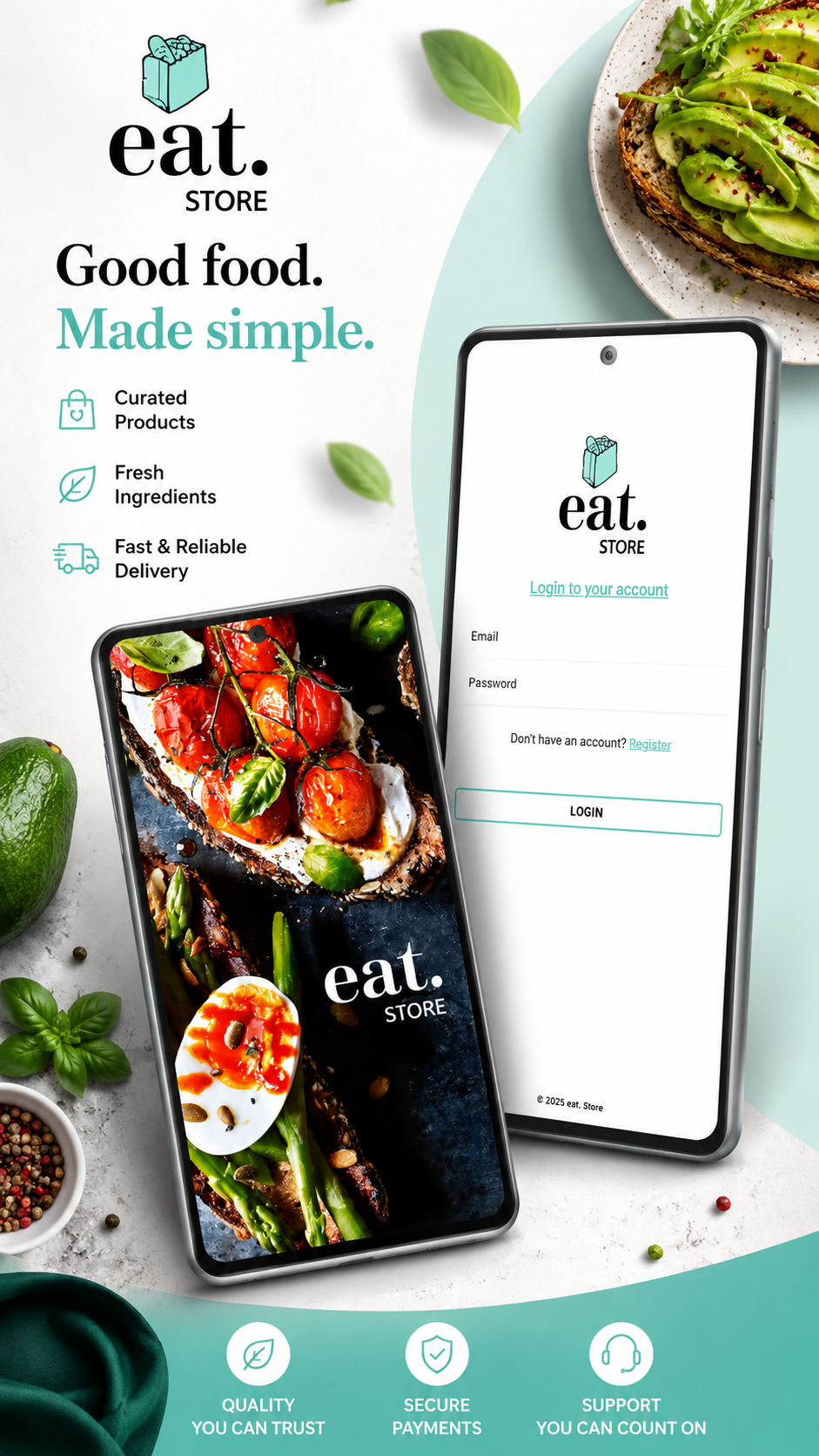
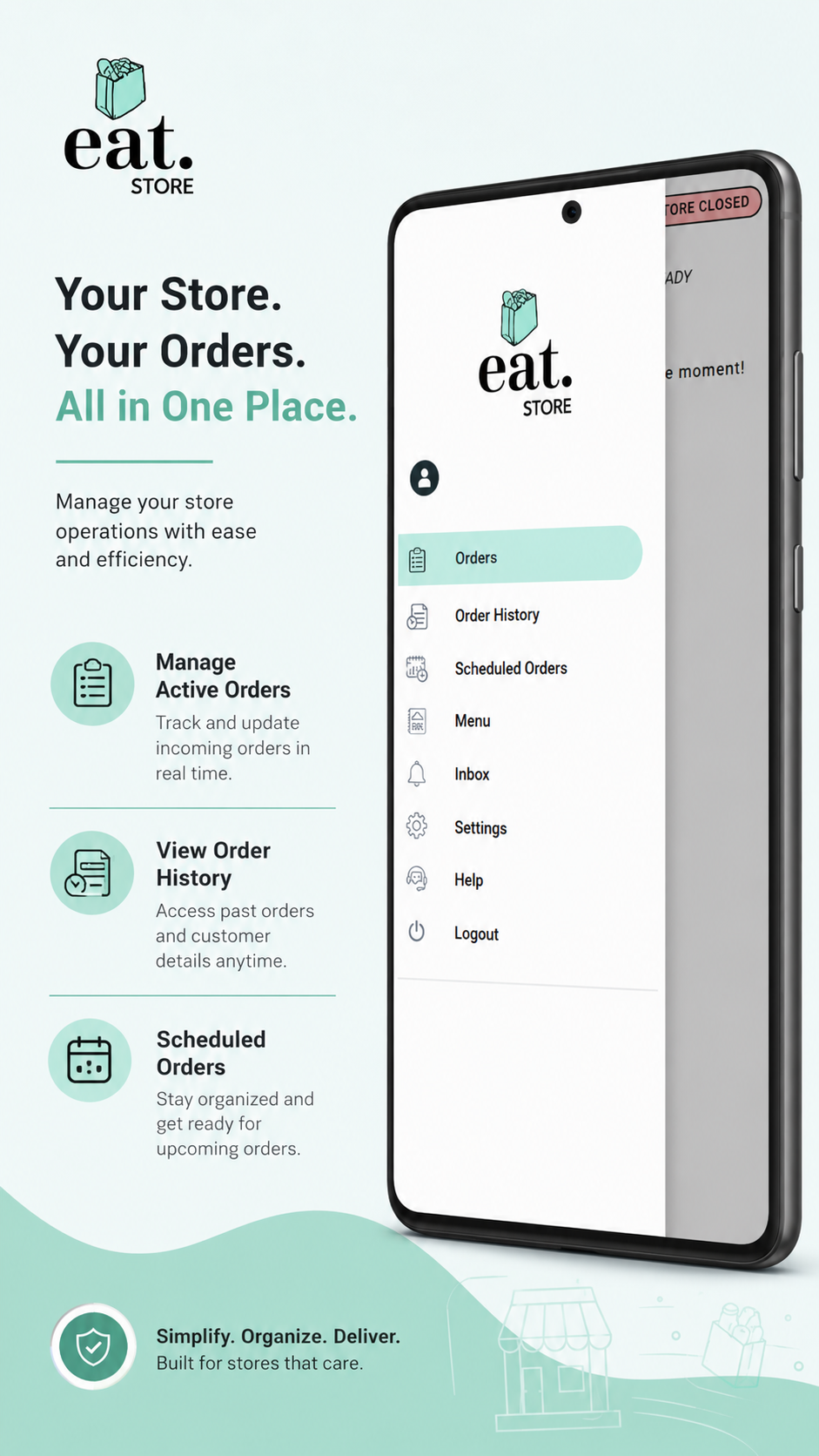
eat.Store Home & Sign In
Central Dashboard

Your Store. Your Orders.
All in One Place.

Manage your daily operations, review order histories, track schedule queues, and tweak settings in one responsive interface.

Manage Active Orders

Track and update incoming orders in real time.

View Order History

Access past orders and customer details anytime.

Scheduled Orders

Stay organized and get prepared ahead of time for peak rushes.

eat.Store Side Menu Navigation
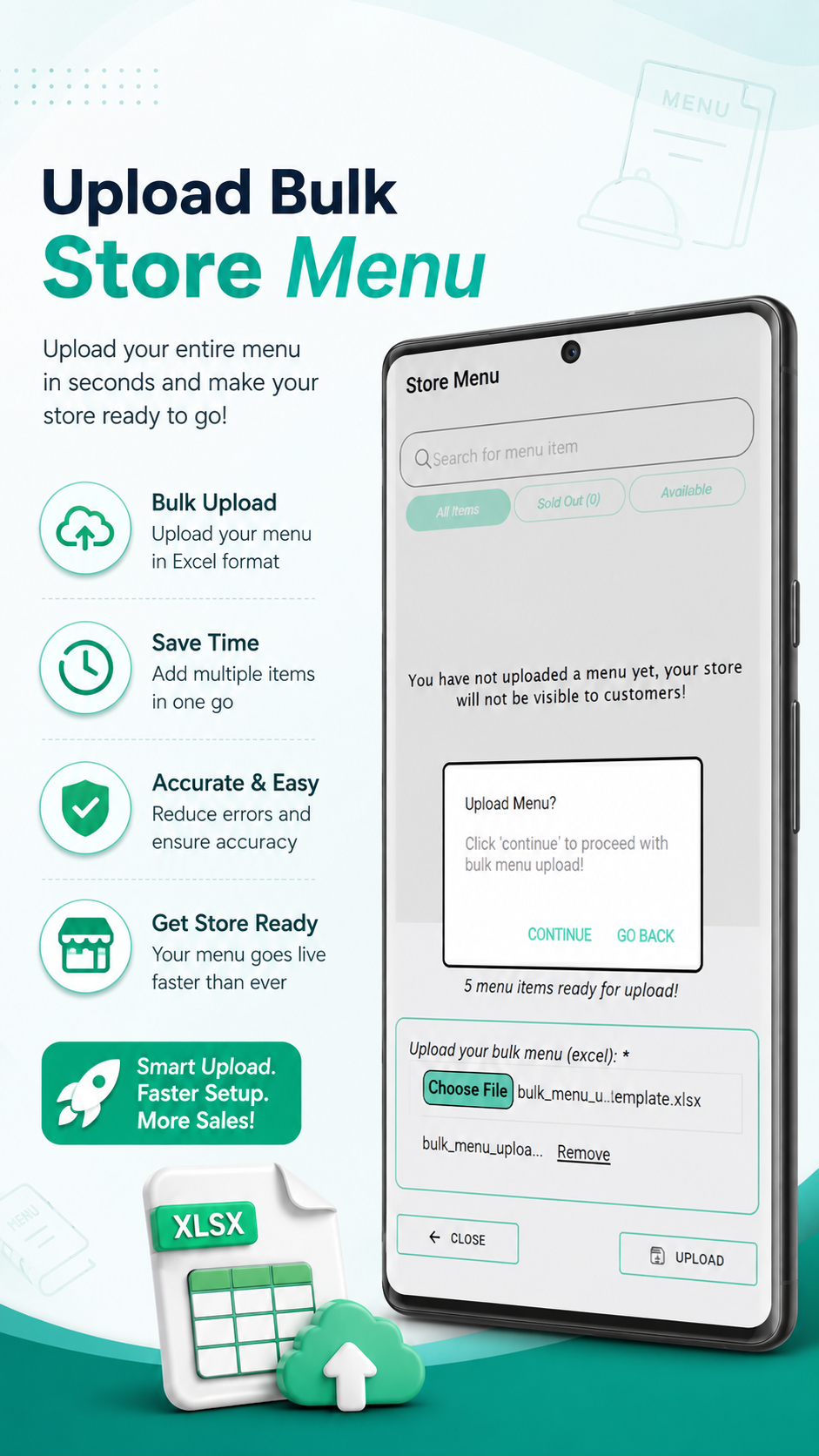
Instant Bulk Import

Upload Bulk
Store Menu

Upload your entire menu in seconds and make your store ready for immediate customer visibility!

Bulk Upload (.XLSX)

Import all food items, variants, and prices using Excel templates.

Save Time & Reduce Errors

Eliminate manual entry mistakes with standardized template imports.

Get Store Ready

Publish your catalog online faster than ever before.

Upload Bulk Store Menu Screen
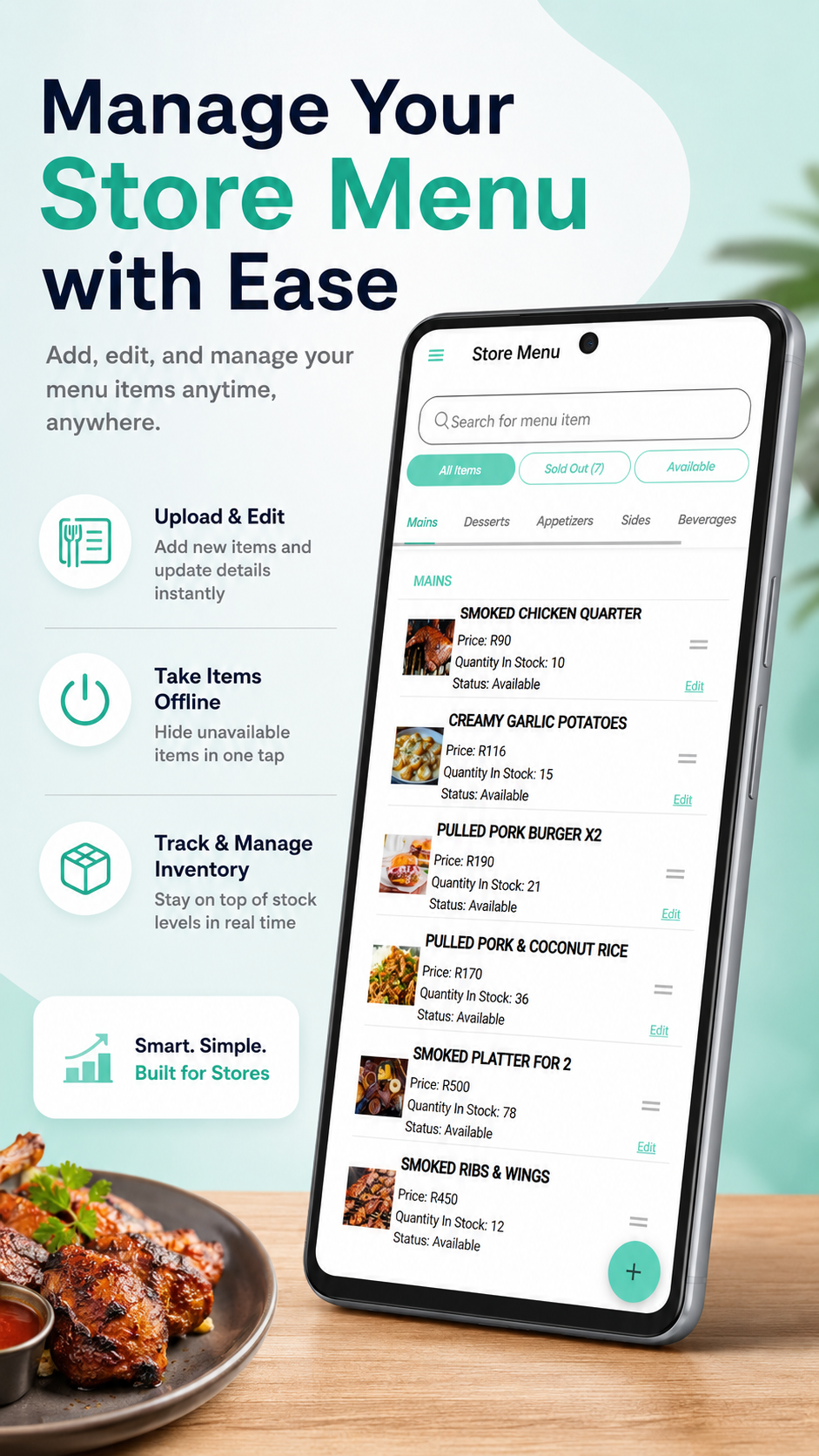
Real-Time Control

Manage Your
Store Menu with Ease

Add, edit, adjust prices, and toggle out-of-stock items anytime, anywhere with zero lag.

Upload & Edit

Add new items, food descriptions, and prices in real time.

Take Items Offline

Hide sold-out or unavailable dishes in a single tap.

Track & Manage Inventory

Stay on top of active stock quantities continuously.

Store Menu Management Screen
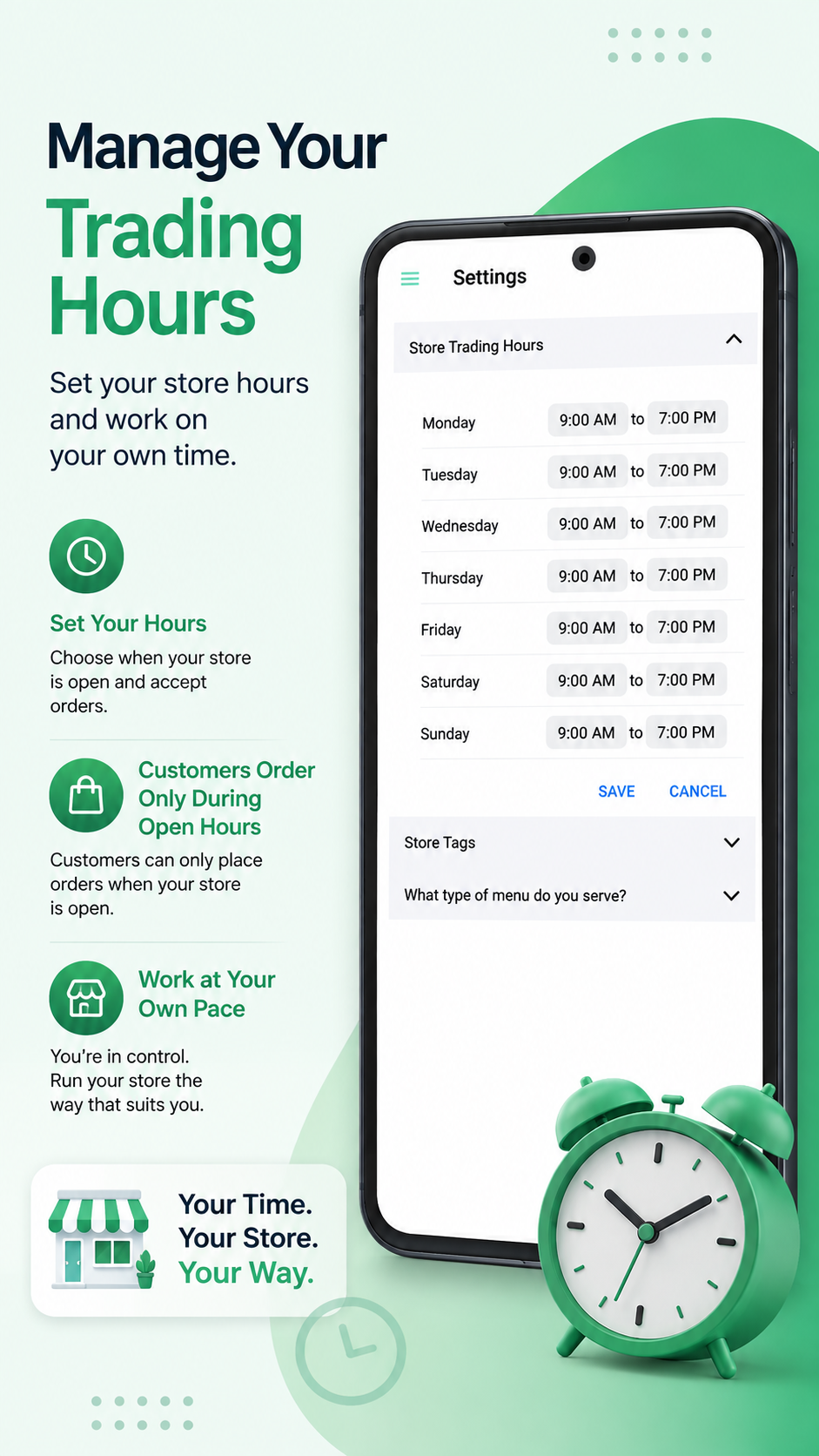
Flexible Scheduling

Manage Your
Trading Hours

Set your store operating hours and run your kitchen on your own schedule.

Set Custom Hours

Choose when your kitchen accepts incoming customer orders.

Orders Only During Open Hours

Prevent unexpected off-hour tickets automatically.

Work at Your Own Pace

Your time. Your store. Your way.

Trading Hours Configuration Screen